Hello Crafty Friends! It's Hanh here with you today and I have a sweet card to share with you featuring the Foxy Friends, Turkey Day, Pathway Home images set against a Critter Country patterned paper background for a warm autumn vibe. So let’s get started.

I stamped the
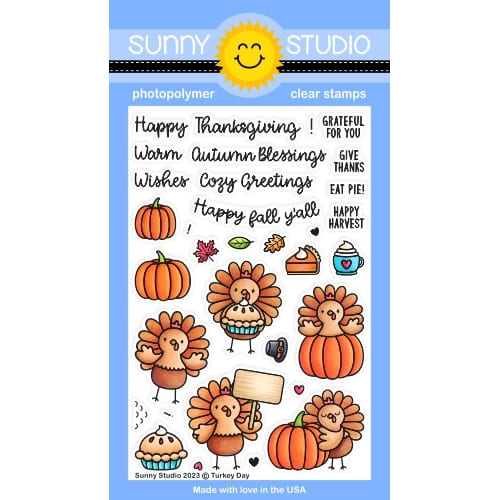
adorable fox and bird images from the Foxy Friends Stamps, the pie, cup and leaves from the Turkey Day Stamps, and the pumpkins from the Pathway Home Stamps sets onto a piece of Neenah
Solar White 110 lb cardstock with Memento Tuxedo Black ink. I used the
coordinating Foxy
Friends Dies, Turkey Day Dies and Pathway
Home Dies to diecut them out. I colored with Copic markers
and highlighted with a white gel pen.
COPIC COLORS:
Foxes: YR21/24/27
E35/37, W00/0/1/3, R00/20
Birds: BG000/01/02,
Y38, R20
Leaves: Y17/38
YR04/21/24, YG03/01 Y17/38, YG03/25
Pumpkins: Y17/38
YR04, YG03
Pie: YR30/31/21/24,
YR24, E41, R14/24
Cup: BG000/01/02/05,
R14/24, E41

For the background, I
used the Limitless Labels 1 Dies to diecut a panel out of white
cardstock. I masked off the upper portion of the panel and lightly ink blended
with some Mowed Lawn Distress Oxide ink.
For the sentiment, I stamped the “Autumn Blessings” sentiment from the Turkey Day stamps directly onto the panel with Memento Tuxedo Black ink.

I adhered a piece of craft foam to the back of the white panel before adhering it to a piece of patterned paper from the Critter Country Paper. The colored images were adhered to the panel with a combination of liquid glue and foam tape for a bit of dimension and interest. Finally, I adhered the panel to a white A2 cardbase (5.5” x 4.25”).
I appreciate you
taking the time to stop by and visit today. I hope you liked my card. Be
sure to visit the Sunny
Studio Stamps Shop for more info and ideas. Please also visit
my INSTAGRAM feed
for more inspirations.
Have a wonderful and crafty day!
Sunny Studio Supplies Used:
 Critter Country Paper Shop at: Sunny Studio |
 Turkey Day Stamps Shop at: Sunny Studio |
 Turkey Day Dies Shop at: Sunny Studio |
 Limitless Labels 1 Dies Shop at: Sunny Studio |
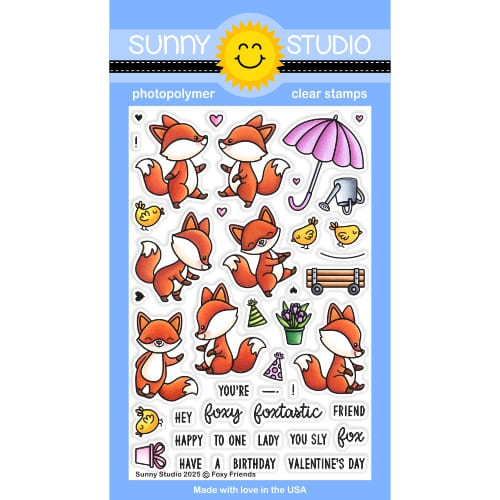 Foxy Friends Stamps Shop at: Sunny Studio |
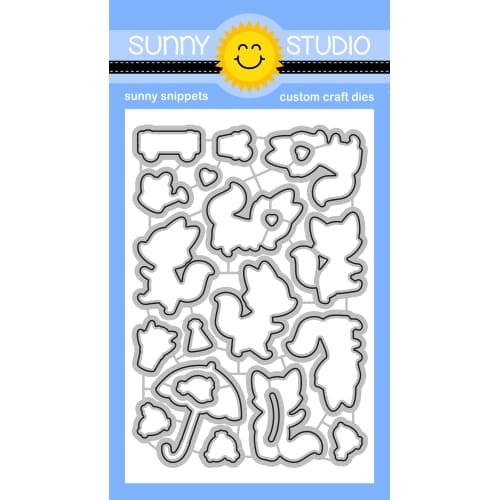 Foxy Friends Dies Shop at: Sunny Studio |
 Pathway Home Stamps Shop at: Sunny Studio |
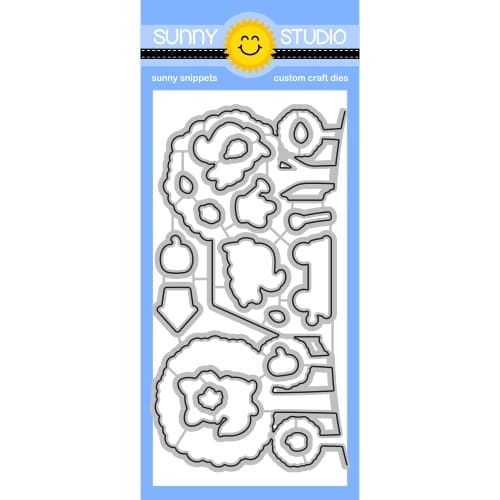 Pathway Home Dies Shop at: Sunny Studio |